 DiskBuddy
What Disk Xray is
Disk Xray, from Naarak Studio, is a macOS utility built as a set of modules. Its own site lists six: an app uninstaller, a folder scanner that finds large files and folders, a similar-pictures finder, a duplicate files finder that compares byte by byte, a disk cleaner for caches and logs, and a secure file shredder. It runs on macOS 10.13 and later, including Apple silicon.
That is a broad toolkit, and if what you want is a box of separate utilities under one roof, it is a reasonable thing to buy. Nothing below is an argument that it is bad software.
Where DiskBuddy is different
DiskBuddy is not organised as modules. It scans once and then gives you eight ways to look at that same scan, on the theory that the hard part of reclaiming space is not deleting things, it is understanding what is there.
A 118 GB home folder of roughly two million files maps in about ten seconds, and then the same data is a folder grid, a sunburst, a flame graph, nested bubbles, a mind map, a ranked list, an age map and a treemap. Switching between them is instant and never re-scans.
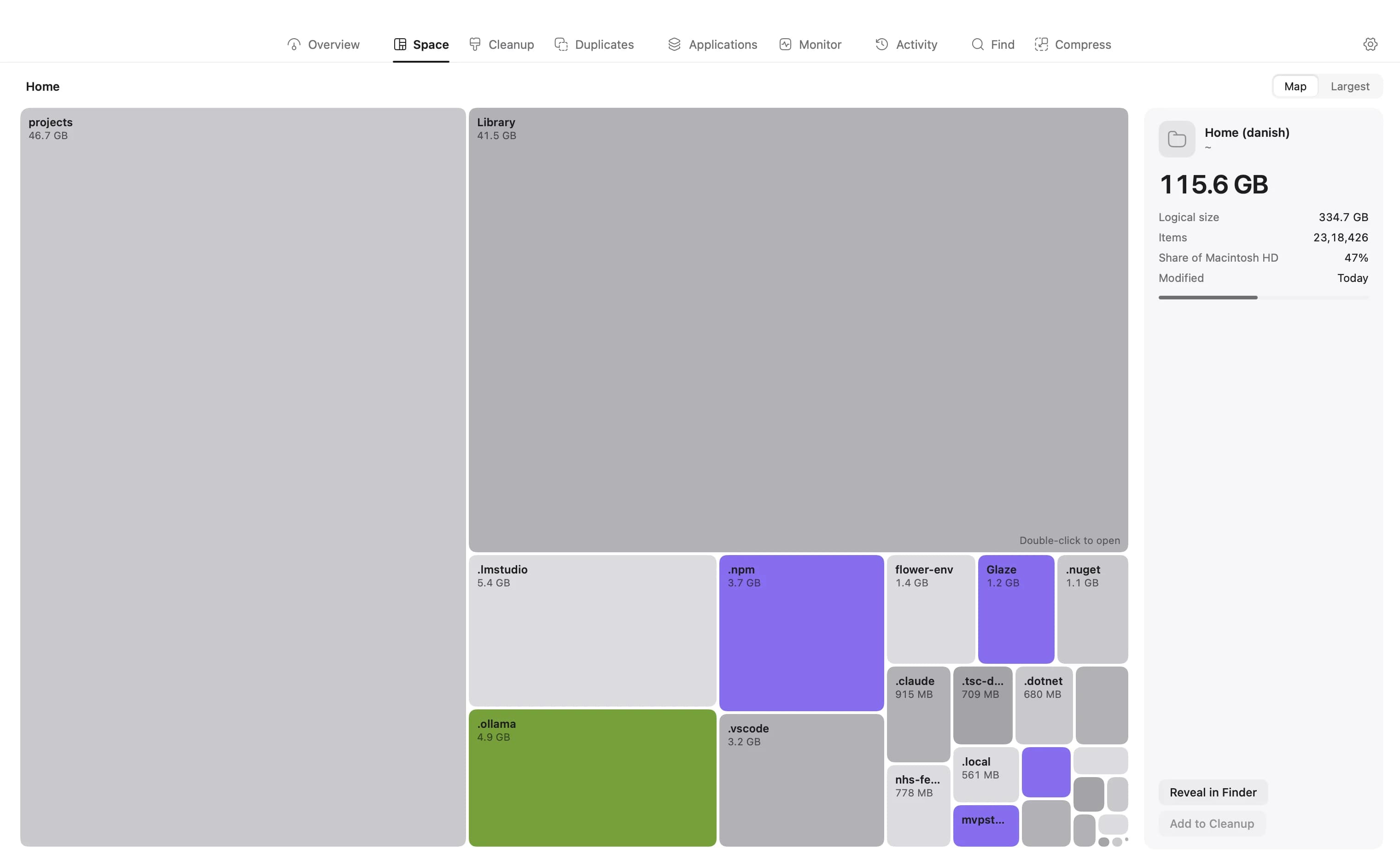
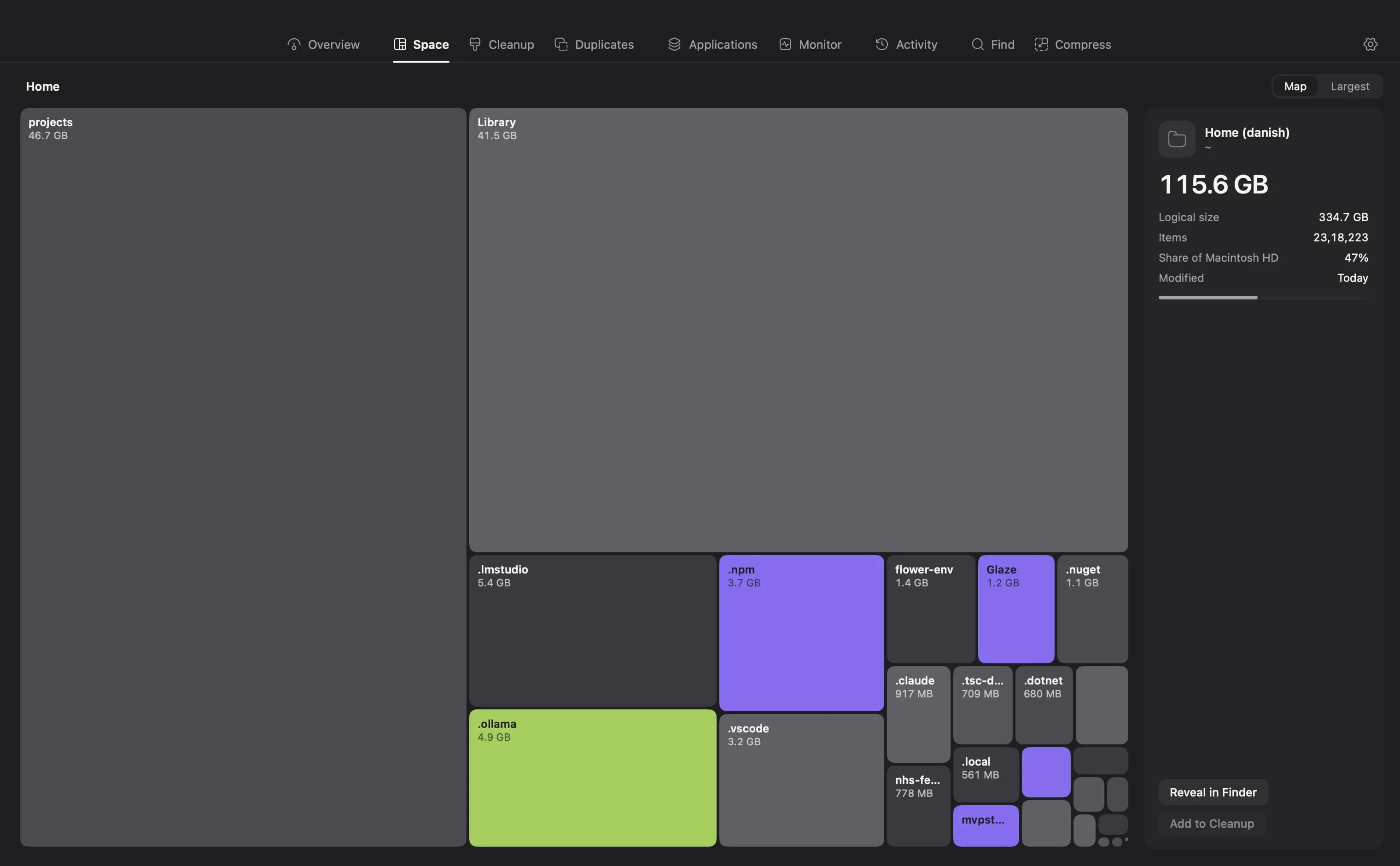
Two of those eight have no equivalent in a module list:
- The Age Map splits your bytes by when they were last modified, and surfaces large files you have not opened in over a year. Big is easy to find. Old and forgotten is the harder question, and usually the safer thing to delete.
- Snapshots keep the result of a past scan so you can hold it against today’s and see exactly which folders grew while you were not looking.
The other difference is what happens when you decide to remove something. Nothing is deleted in the background. Items go onto a staged cleanup list, you review the whole set, and only then does it act. System-critical paths are kept out of staging entirely.
Side by side
| DiskBuddy | Disk Xray | |
|---|---|---|
| Built around | Eight ways to look at one scan | Six separate modules, one of them a folder scanner |
| Visualisations | Folders, sunburst, flame, bubbles, mind map, top sizes, age map, treemap | A folder scanner view |
| Duplicates | Exact matches, compared byte for byte | Exact matches, plus a similar-pictures finder |
| Uninstalling apps | Yes, with the leftovers in Library | Yes, with associated files |
| Finding old files | Age Map, by last-modified date | Not a separate module |
| Comparing over time | Snapshots, held against a later scan | Not a separate module |
| Securely wiping files | No | Yes, a file shredder |
| Runs on | macOS 14 or later | macOS 10.13 or later |
Disk Xray’s column is drawn from the module list and system requirements on its own product page, checked in September 2026. Features move; check theirs before deciding.
What DiskBuddy does not do
Three of these are real gaps, and pretending otherwise would waste your time as much as ours.
- No similar-pictures finder. DiskBuddy matches duplicates byte for byte, so two exports of the same photo at different sizes are two different files to it. If reclaiming space from a large photo library is the job, that matters.
- No secure file shredder. Items go to the Trash through the staged cleanup list. There is no overwrite-and-wipe.
- It needs macOS 14 or later. Disk Xray goes back to 10.13. On an older Mac that Apple has stopped updating, DiskBuddy is simply not an option.
Which one you actually want
It comes down to which problem you are really solving.
- You know roughly what to delete and want a toolbox. A module-based utility fits that, and Disk Xray is one.
- You have no idea where the space went. That is the case DiskBuddy is built for. Eight readings of one scan exist to answer exactly that question.
- You are on macOS 13 or older. DiskBuddy will not run. That decides it.
- You want photo-similarity matching or secure wiping. DiskBuddy has neither.
If you are still weighing it up, the guide to what a disk space analyzer does covers how to read the output of any of these tools, whichever you land on.
Try the visualisation-first approach
One payment, no subscription, and a 7.0 MB download. Scanning, hashing and duplicate matching all happen on your Mac, with no account to make.
$9 once, no subscription. One key for Mac and Windows, and the download arrives the moment the payment clears.