
What it has done for you, week by week.
The space DiskBuddy has given back, how that fell across the last two months, and every scan and cleanup as a timeline. The screen you show a friend.
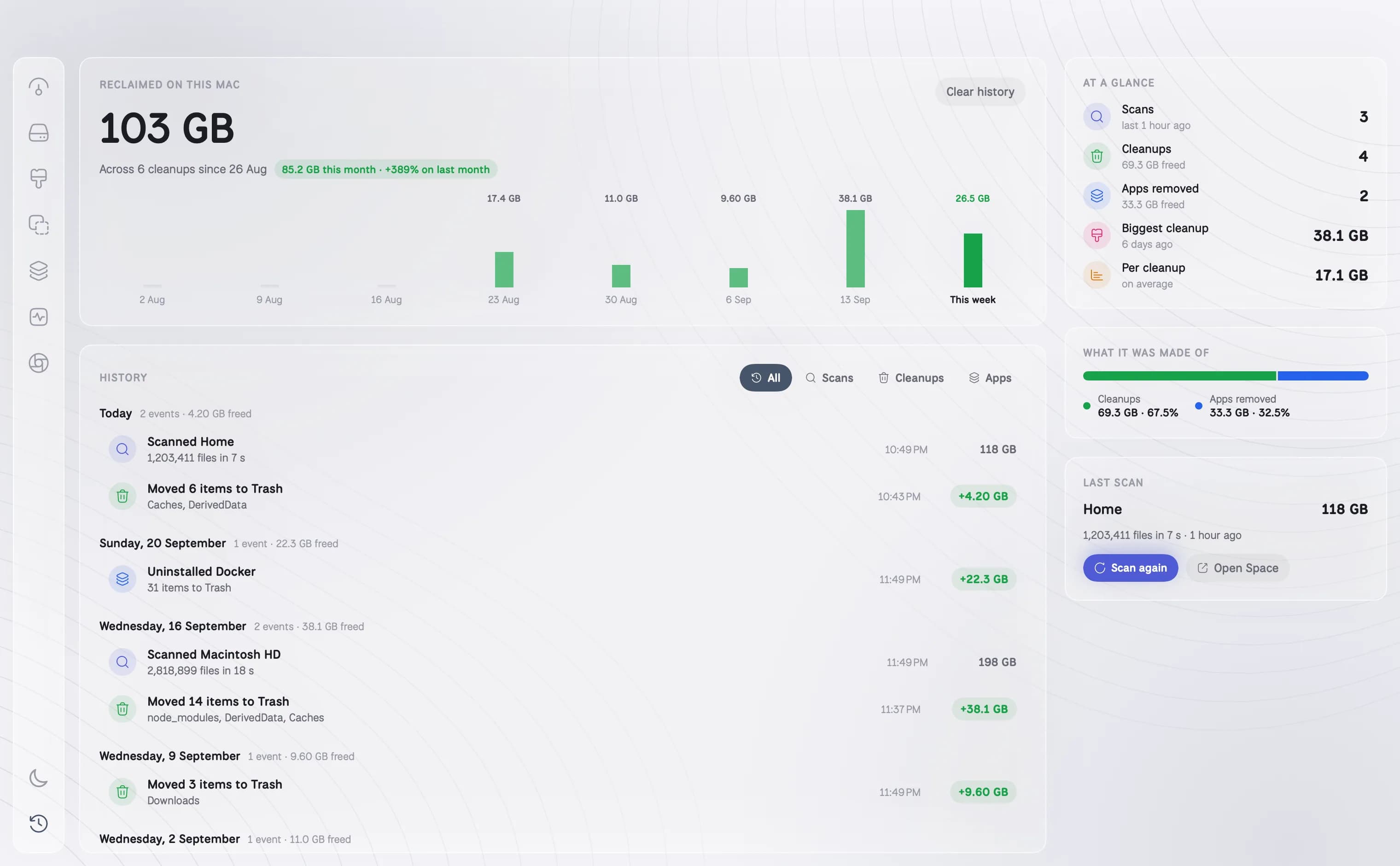
- Reclaimed total with this month against last
- Every scan and cleanup by day, filterable
- What the reclaimed space was made of
How it works
01
Reclaimed, in total
Every byte DiskBuddy has given back since you started using it, with this month against last.
02
Week by week
Eight weeks of bars, so a big cleanup and a quiet month are both easy to see.
03
What it was made of
How much came from cleanups, how much from removing apps, and how much from compressing.
04
Every action, by day
Scans, cleanups, compressions and uninstalls as a timeline you can filter, each with what went and how much it freed.
Questions about Activity
Is the activity history stored online?+
No. It is kept on your Mac with the rest of DiskBuddy's settings.
Can I clear the history?+
Yes. Clear history removes the record. It does not change anything on your disk.
Does it count space that is still in the Trash?+
It records what each cleanup moved or deleted. Space from items moved to the Trash comes back once the Trash is emptied.
The other rooms
Next: Overview →- OverviewOne scan, and the whole drive on one screen.See Overview →
- FindAny file on your Mac, found as you type.See Find →
- SpaceThe heavy things come to the top.See Space →
- CleanupFound for you. Trashed only when you say so.See Cleanup →
- DuplicatesFiles that exist twice, confirmed byte for byte.See Duplicates →
- ApplicationsEvery app, with its real footprint and its real habits.See Applications →
- MonitorWhat the Mac is doing, right now.See Monitor →
- CompressShrink it instead of deleting it.See Compress →
One app for the whole disk
Every room in one download. Pay once, keep it, and every update is included.
One payment, no subscription. Your key and the download arrive the moment the payment clears.