
Any file on your Mac, found as you type.
Spotlight skips the folders it thinks you do not need. Find indexes every one of them once, hidden and system folders included, keeps the index current as files change, and answers in milliseconds. Part of a name is enough.
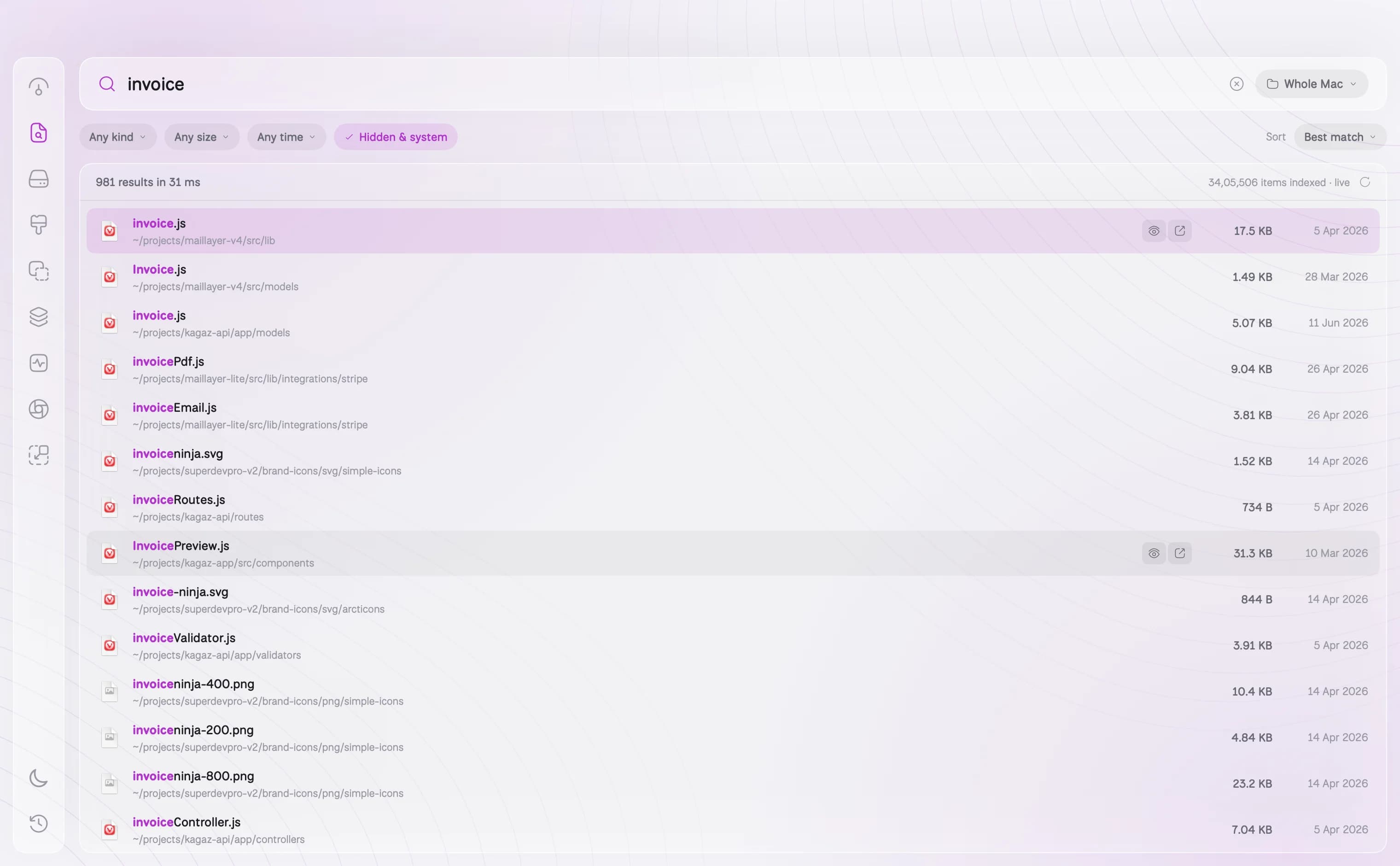
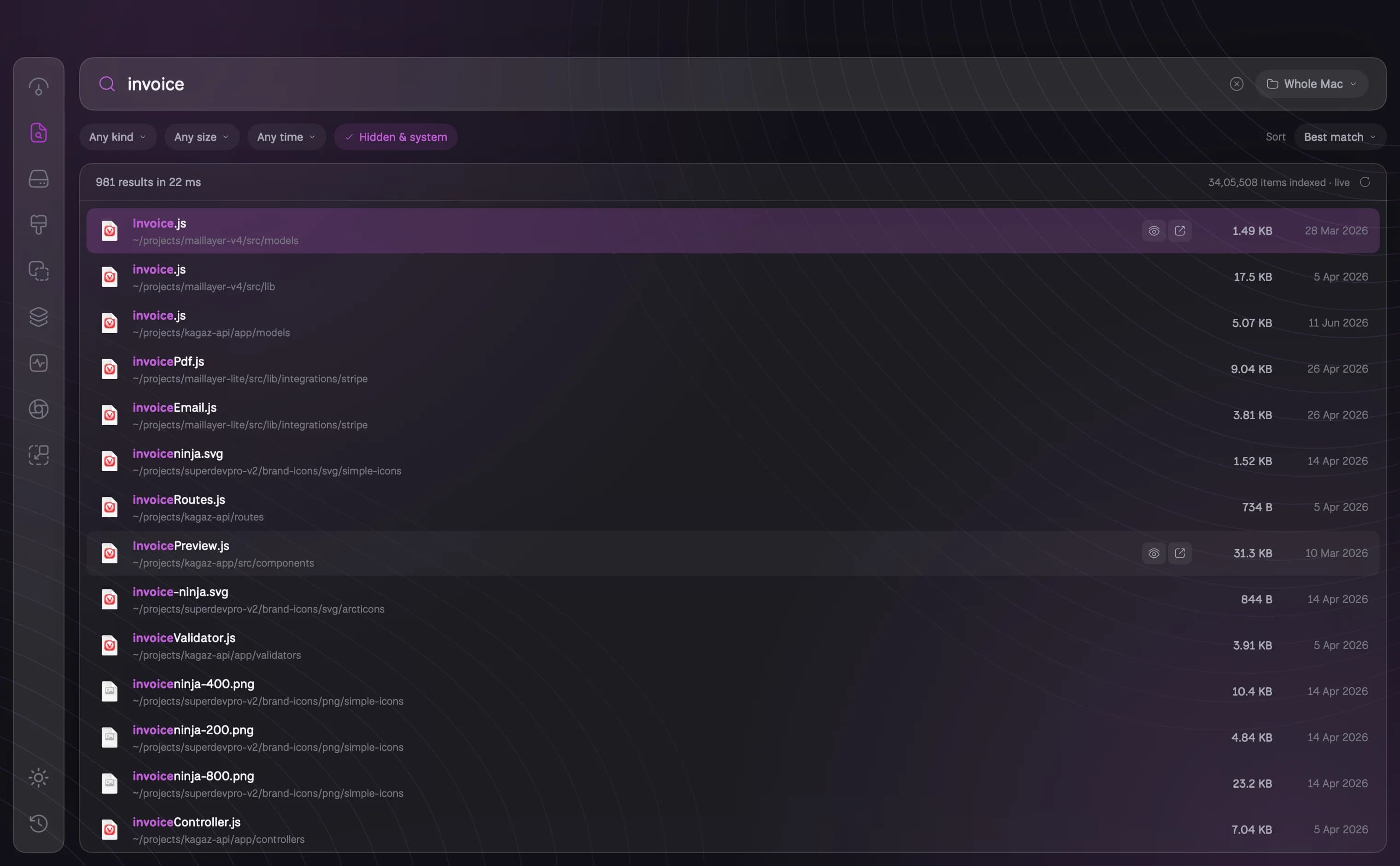
- Millions of files searched in a few milliseconds, results as you type
- Every folder, including Library, dot folders and app contents
- Filter by kind, size, date and ext:pdf; open, reveal or preview with a key
How it works
01
Every folder, not the ones Spotlight picks
Spotlight leaves out system folders, hidden folders, your Library and much of what developers keep. Find indexes all of it once, so a file you know exists is always there to find.
02
Milliseconds, as you type
The whole index lives in memory, so a search across millions of names takes a few milliseconds. Results change with every keystroke; there is no Enter to press and no spinner to wait on.
03
Always up to date
After the first build, Find follows every change on the disk as it happens. Files you create, rename or delete appear and disappear on their own, even ones changed while DiskBuddy was closed.
04
Narrow it down, then act
Filter by kind, size and date, or type ext:pdf for one type. Search the whole Mac, your home folder or one folder. Arrow keys move, Return opens, ⌘R reveals in Finder and ⌘Y previews with Quick Look.
Questions about Find
Why not just use Spotlight?+
Spotlight is built for documents and apps, so it skips hidden folders, system folders and much of your Library, and it ranks results by relevance rather than showing every match. Find is a complete list of names, returned instantly.
How long does the index take to build?+
About twenty seconds for a Mac with a few million files, once. After that it opens in under a second at launch and keeps itself current.
Does Find search inside files?+
Find searches file and folder names, which is what makes it instant across the whole disk. Searching the contents of files is a separate, slower job and is not part of Find today.
The other rooms
Next: Space →- OverviewOne scan, and the whole drive on one screen.See Overview →
- SpaceThe heavy things come to the top.See Space →
- CleanupFound for you. Trashed only when you say so.See Cleanup →
- DuplicatesFiles that exist twice, confirmed byte for byte.See Duplicates →
- ApplicationsEvery app, with its real footprint and its real habits.See Applications →
- MonitorWhat the Mac is doing, right now.See Monitor →
- CompressShrink it instead of deleting it.See Compress →
- ActivityWhat it has done for you, week by week.See Activity →
One app for the whole disk
Every room in one download. Pay once, keep it, and every update is included.
One payment, no subscription. Your key and the download arrive the moment the payment clears.