 DiskBuddy
Overview
The whole drive,
on one screen.
One scan, and you see how full the disk is and of what, what is safe to clear, and what is worth a look. Every row opens the room that acts on it.
$9 once · Overview comes with every other room
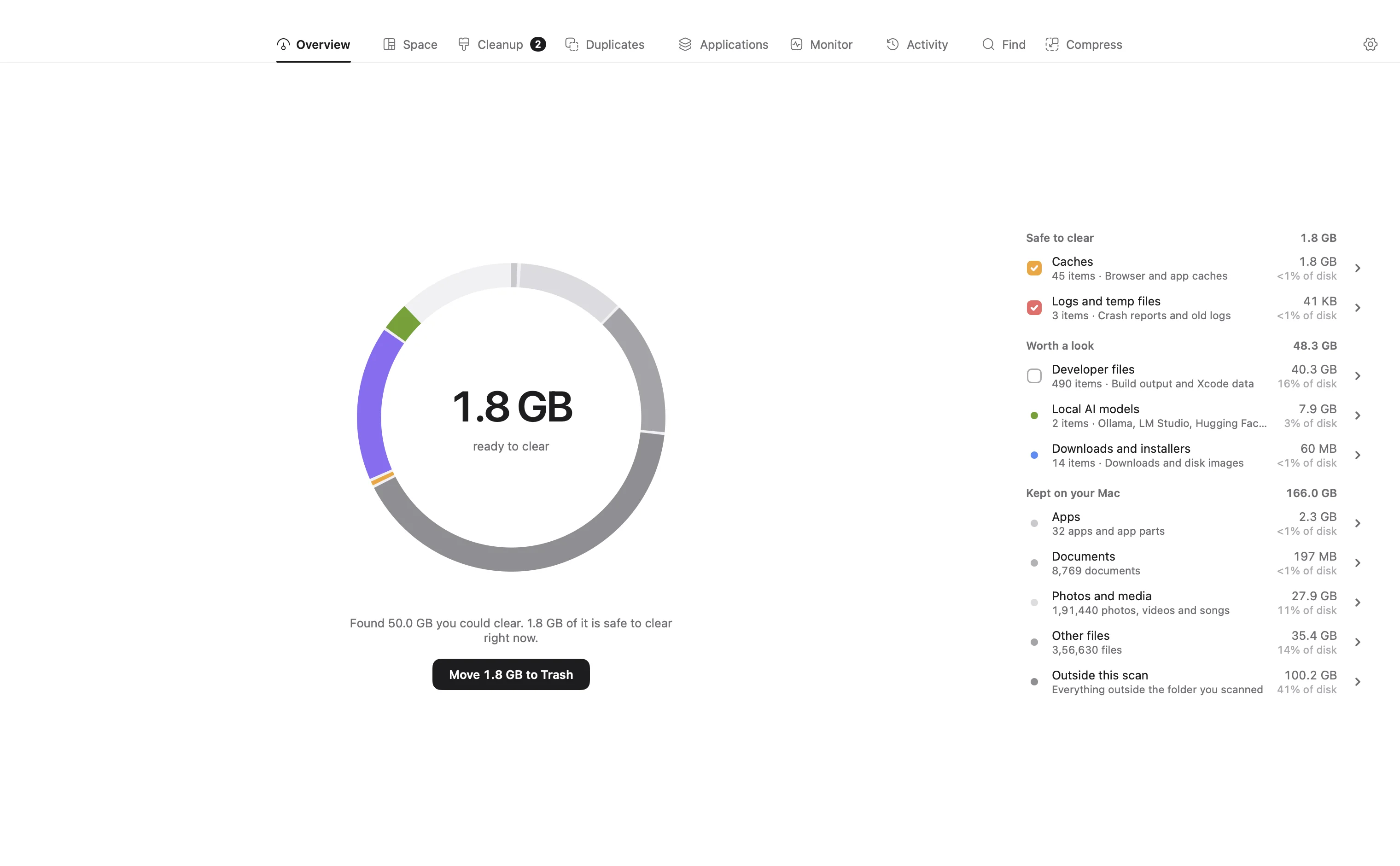
Grey is what you keep. Colour is what you could clear.
The ring is your disk, split by what fills it. What you need fades back; caches, build files, old installers and the rest stay lit, with the total ready to clear in the middle.
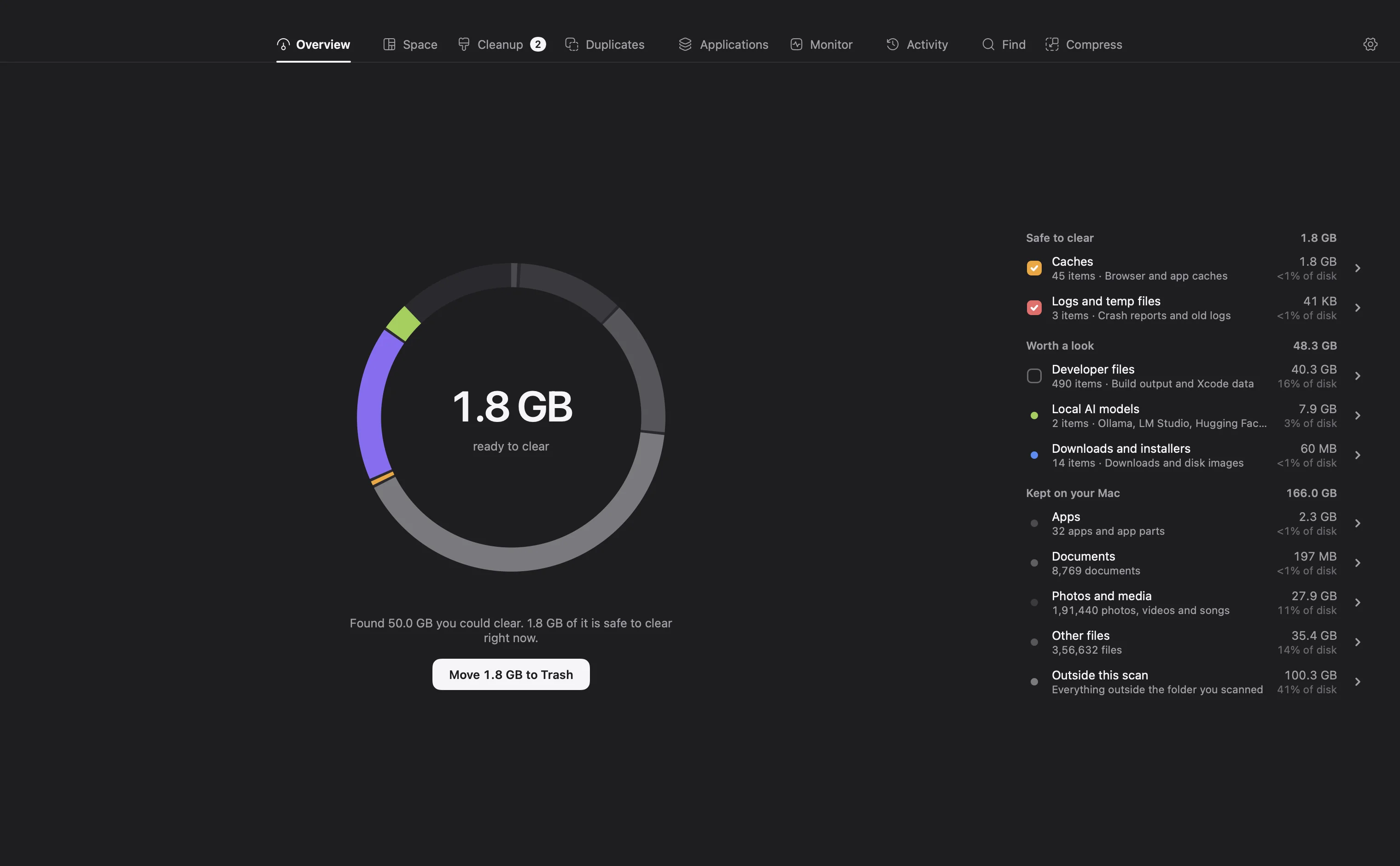
Safe to clear, worth a look. Totalled the moment the scan lands.
Things apps rebuild on their own are ticked and ready. Real files you may still want, like downloads and developer files, are listed apart so you decide on each one.
One scan answers the first question.
- The drive, by kind
- Free space, used space and a bar split by what fills it: developer files, images, video, caches and logs, documents. The numbers come from your own scan, not from an estimate macOS made last week.
- Safe to clear and Worth a look
- The moment a scan lands, DiskBuddy totals what apps rebuild on their own, like caches and dependency folders, apart from real files you may still want, like downloads and disk images. Each card opens the room that acts on it.
- The heavy things, already found
- The largest folders and the biggest single files anywhere on the disk, ranked, so the first question after a scan is answered before you ask it.
- A year untouched
- Files nobody has opened or changed in a year, totalled, with one click to see them all. Often the easiest space on the drive to take back.
The scan happens on your Mac. No account, no sync, and no file name ever leaves it.
Questions about Overview
How long does a scan take?
A full-disk scan takes about ten seconds on Apple silicon for a typical Mac, and a little longer on a very full drive. A single folder scans in a moment.
Does DiskBuddy need Full Disk Access?
It works without it, but macOS hides some folders, such as Mail and parts of your Library, until you grant it. The Overview shows whether access is granted and opens the right settings page for you.
Does the scan upload anything?
No. Scanning happens entirely on your Mac. No file names, paths or sizes ever leave it.
One of nine rooms.
Every room comes with every copy of DiskBuddy.
See where it went.
Then take it back.
$9 once. One key for Mac and Windows.